

Sometimes you may feel limited when your system lags during video calls, slow file transfers and long boot times and you think it is because of the laptop but in most cases the real issue is workflow optimisation and not hardware efficiency.


Jagran Reviews brings you expert-led product reviews, in-depth comparisons, smart buying guides, and curated deals across top categories. Make confident purchase decisions with trusted insights, latest trends, and value-driven recommendations — all in one place.
For any feedback or complaint email to compliant_gro@jagrannewmedia.com
How fast your laptop feels is determined by your workflow habits rather than its age and this guide examines five laptops from ASUS, HP, Lenovo, Dell and Acer built for smoother multitasking and stronger laptop performance across daily work.
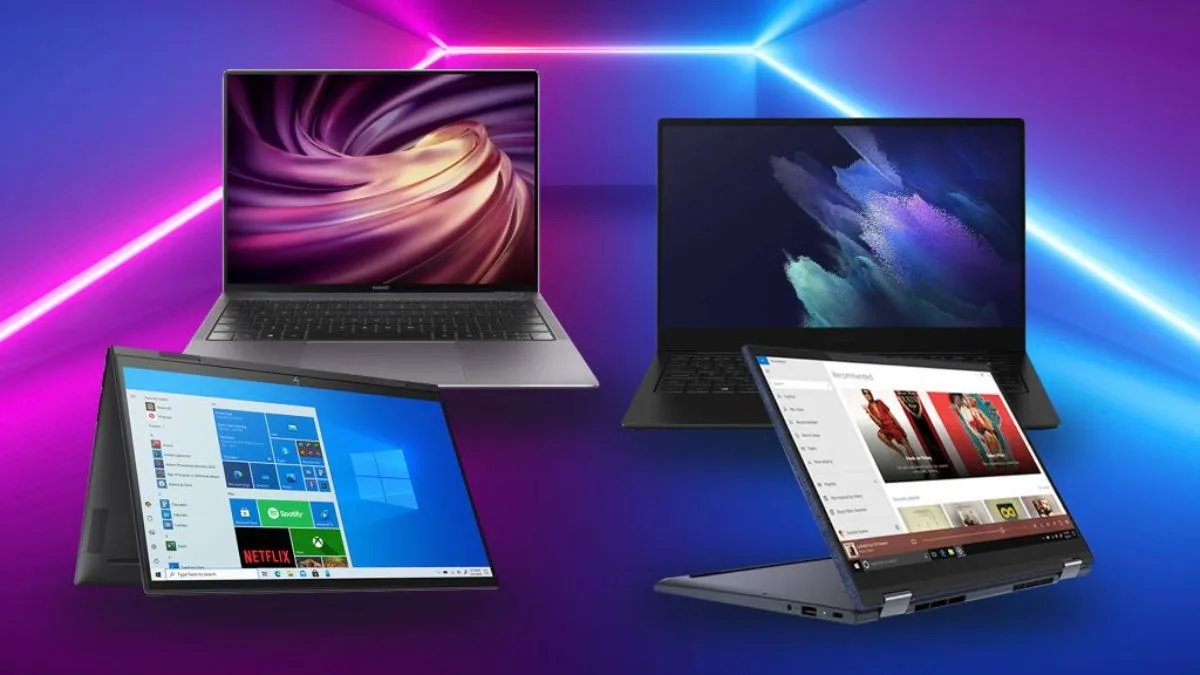
Sometimes you may feel limited when your system lags during video calls, slow file transfers and long boot times and you think it is because of the laptop but in most cases the real issue is workflow optimisation and not hardware efficiency.
Running too many browser tabs, skipping software updates or ignoring background apps can turn even a capable machine into a frustrating one to use every day and before spending money on a new device as it is helpful to understand where the inefficient process actually starts.
If your day involves spreadsheets, design tools or dozens of open tabs then these best laptops are built to streamline operations without draining your budget so explore laptop performance tips and picks that match how professionals actually work.
Slowdowns usually come from a mix of small habits stacking up over time:
According to RTINGS, you have to check other aspects as well rather than GPU and CPU to know exactly where your laptop gets affected.
Before you shop for a new machine a few adjustments can noticeably improve the user experience on your current one.
Start with what's running in the background like Task Manager or Activity Monitor which will show you exactly which apps are quietly draining resources.
And closing unused programs and disabling unnecessary startup items often brings back speed that felt lost for good.
Storage matters just as much as processing power as a drive that's over 85 per cent full struggles to manage temporary files efficiently which shows up as lag during everyday tasks so moving old files to cloud storage or an external drive frees up free up room.
A few habits worth building into your week:
Check out other articles like this in our Electronics: Laptop section.
|
Laptop |
Best Suited For |
Processor Type |
RAM |
Storage |
Standout Strength |
|
HP Victus |
Gaming and heavy multitasking |
Intel Core i5-14450HX |
24GB DDR5 |
512GB SSD |
Dedicated RTX graphics |
|
Dell 15 |
Everyday coursework and browsing |
Intel Core 3 100U |
16GB DDR4 |
512GB SSD |
Simple, dependable build |
|
Lenovo IdeaPad Slim 5 |
Frequent travel and meetings |
AMD Ryzen 5 7535HS |
16GB LPDDR5 |
512GB SSD |
Lightweight portability |
|
ASUS Vivobook S14 |
Visual and creative work |
AMD Ryzen AI 5 330 |
16GB DDR5 |
512GB SSD |
OLED colour accuracy |
|
Acer Aspire 5 |
Balanced daily office use |
Intel Core Ultra 5 125H |
16GB LPDDR5 |
512GB SSD |
Slim, all-round build |
Editorial Note-
Each laptop will leans into a specific kind of workflow rather than chasing every feature at once which is really the point of matching hardware to how you actually work rather than how a feature sheet reads.
Read more:
Disclaimer: At Jagran Reviews, we prioritize providing up-to-date information on the latest trending commodities and goods. Links in this article are affiliate links. Please note that our product recommendations are based on independent research and analysis however, Jagran Reviews shall not be held liable for any claims, damages, or disputes arising under applicable laws, including the Consumer Protection Act, 2019. Any issues regarding product quality, delivery, or warranties must be directed to the respective manufacturer or seller. Furthermore, the products featured in this article are organized for reader convenience and are listed in no particular order of priority or ranking.
See detailed product comparisons to make smarter buying decisions.

M.R.P: ₹94990
At a Glance—
A gaming laptop with genuine muscle for graphic heavy tasks, RGB comfort typing and a screen fast enough to keep up with quick reflexes.
Technical Specifications—
This laptop earns its place on a desk shared between assignments and downtime and picture switching from a dozen open tabs for research straight into a graphics heavy game without any of that annoying stutter.
The RTX graphics will handle rendering and gameplay with ease while the roomy memory keeps background apps from slowing things down and the keyboard lights up in colour, which sounds like a small thing until you are typing at midnight and it just feels right.
Specification Details
Pros
Cons
M.R.P: ₹62490
At a Glance—
A no-fuss laptop that handles browser tabs, assignments and video calls without asking for much in return.
Technical Specifications—
Think of the kind of day a student actually has as switching between an online lecture, a half written assignment and a dozen research tabs all before lunch.
This laptop is built for exactly that kind of inefficient process turned smooth and it won't dazzle with flashy extras but that's rather the point.
The screen refreshes quickly enough that scrolling through notes feels responsive and the keyboard has enough travel to type through long essays without fatigue.
Specification Details
Pros
Cons
Note: You can also check other models of Dell laptops.
M.R.P: ₹72990
At a Glance—
A slim and business ready laptop that keeps video calls sharp and files organised without weighing down a bag.
Technical Specifications—
There's a specific kind of person this suits well and someone who's rarely at one desk for long, moving between meeting rooms, cafés and home offices in the same week.
It can easily fit in your bag and the battery holds up through a full day of calls and document work so what stands out is not any single feature but how the whole package supports a mobile workflow optimisation routine like quick to wake, quiet to run and steady through long stretches of typing.
Specification Details
Pros
Cons
M.R.P: ₹73990
At a Glance—
An OLED display paired with an AI ready processor aimed at people who care how their work actually looks on screen.
Technical Specifications—
Open this one up and the display does the talking first as colours look deeper, blacks look truer and for anyone editing photos, modifying presentations or just watching something after work that difference is noticeable within minutes.
The processor handles day to day software optimization tasks without strain and the battery comfortably stretches through a long stretch of unplugged work.
This is a laptop for someone who spends hours looking at a screen and wants that time to feel less like a chore and a little more enjoyable.
Specification Details
Pros
Cons
Explore more on Jagran Reviews.
M.R.P: ₹79999
At a Glance—
A slim and well rounded laptop that fits comfortably into a normal workday of documents, calls and the occasional show after hours.
This is the kind of laptop that doesn't ask for much attention which is exactly its strength and it can easily fit into a bag without any second thought and the display holds up whether you are deep in a spreadsheet or unwinding with something on screen after logging off.
The processor manages everyday multitasking calmly, and the fast storage means files open without that familiar wait and it is a laptop built for consistency rather than spectacle, the kind that quietly gets through a workday without ever becoming the topic of conversation.
Technical Specifications
Specification Details
Pros
Cons